Tracking ad performance is more than just clicks and conversions. The right tools can save hours of manual work, improve ROI, and help you make smarter budget decisions. This article compares 10 paid ads analytics tools, breaking down their features, pricing, and best use cases.
Key Takeaways:
- Free or low-cost options: Google Analytics 4 (free) is great for small ad budgets, while Supermetrics starts at $37/month for advanced reporting.
- AI-driven insights: Tools like SegmentStream and Madgicx use machine learning to optimize campaigns for high-spending businesses.
- Specialized tools: Triple Whale is ideal for Shopify brands, while AgencyAnalytics caters to agencies managing multiple clients.
- Automation saves time: Platforms like Swydo and Opteo reduce reporting and optimization time significantly.
Quick Comparison:
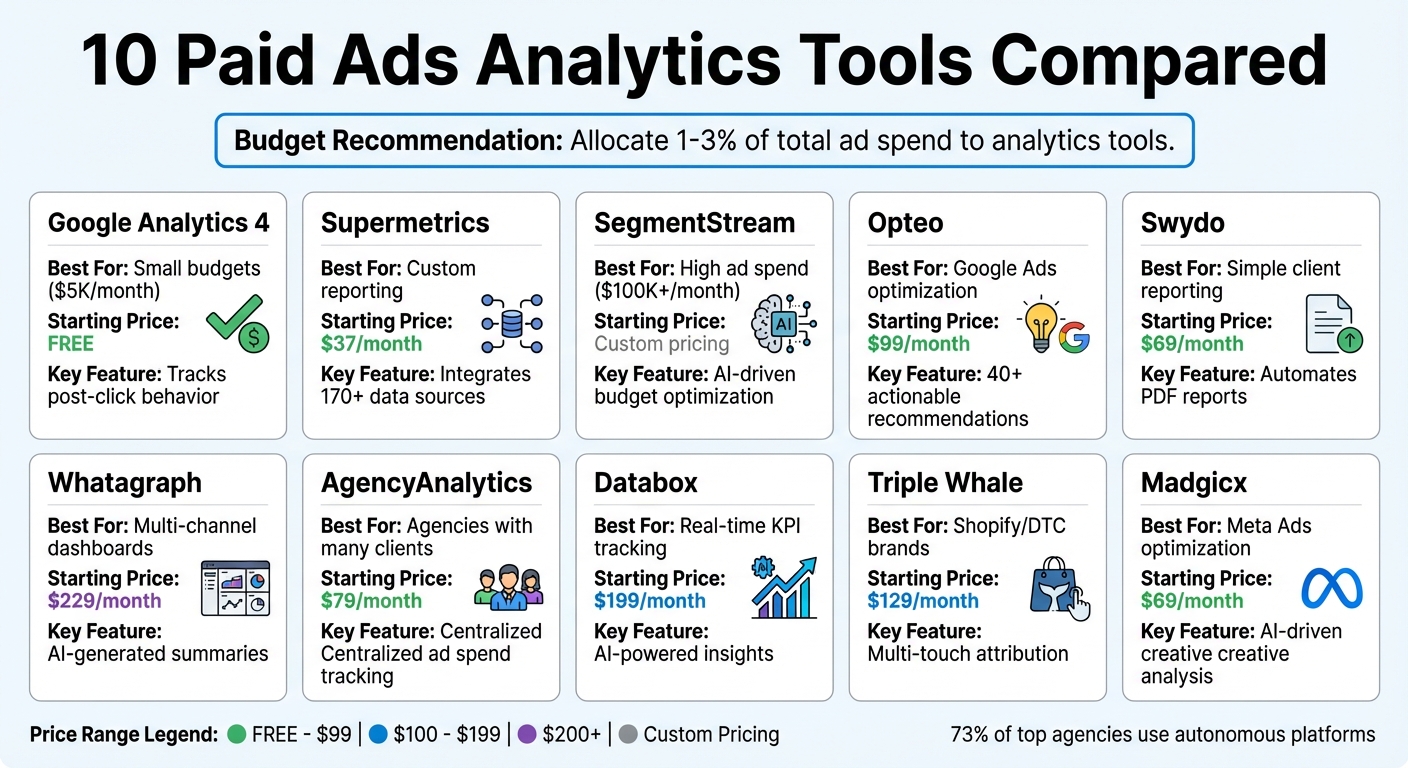
| Tool | Best For | Starting Price | Key Feature |
|---|---|---|---|
| Google Analytics 4 | Small budgets ($5K/month) | Free | Tracks post-click behavior |
| Supermetrics | Custom reporting | $37/month | Integrates 170+ data sources |
| SegmentStream | High ad spend ($100K+/month) | Custom pricing | AI-driven budget optimization |
| Opteo | Google Ads optimization | $99/month | 40+ actionable recommendations |
| Swydo | Simple client reporting | $69/month | Automates PDF reports |
| Whatagraph | Multi-channel dashboards | $229/month | AI-generated summaries |
| AgencyAnalytics | Agencies with many clients | $79/month | Centralized ad spend tracking |
| Databox | Real-time KPI tracking | $199/month | AI-powered insights |
| Triple Whale | Shopify/DTC brands | $129/month | Multi-touch attribution |
| Madgicx | Meta Ads optimization | $69/month | AI-driven creative analysis |
Choosing the right tool depends on your budget, ad platforms, and goals. For small businesses, start simple with Google Analytics 4. Agencies or high-spending brands should consider advanced tools like SegmentStream or Triple Whale for better ROI insights.
Paid Ads Analytics Tools Comparison: Features, Pricing and Best Use Cases
10 Best Google Ads Tools For PPC (Old and New)
sbb-itb-5174ba0
10 Paid Ads Analytics Tools Compared
Here’s a breakdown of 10 paid ad analytics tools, showcasing their standout features and pricing.
Google Analytics 4
Google Analytics 4 (GA4) focuses on post-click behavior tracking by using UTM parameters and event-based tracking to connect clicks with conversions. Its integration with Google Ads makes ROI analysis and conversion tracking seamless, and it’s completely free - perfect for smaller teams using analytics tools for business with ad budgets around $5,000 per month. However, GA4 has limitations in measuring cross-channel impact, and its Data-Driven Attribution model may not fully reflect visit quality.
Supermetrics
Supermetrics acts as a powerful data pipeline, pulling information from over 170 sources like Google Ads, Meta, LinkedIn, and AdRoll. It automates data delivery to tools like BigQuery and Looker Studio, giving teams full control over their reporting. Supermetrics also supports budget tracking with custom formulas for currency conversion and run rates. As Jon Quinton, Founder of Overdrive Digital, puts it:
The less time we can spend collecting information and data the better because then it frees up more time we can spend looking at it and making decisions from it.
With over 500,000 marketers using the tool, pricing starts at $37 per month for Looker Studio.
SegmentStream
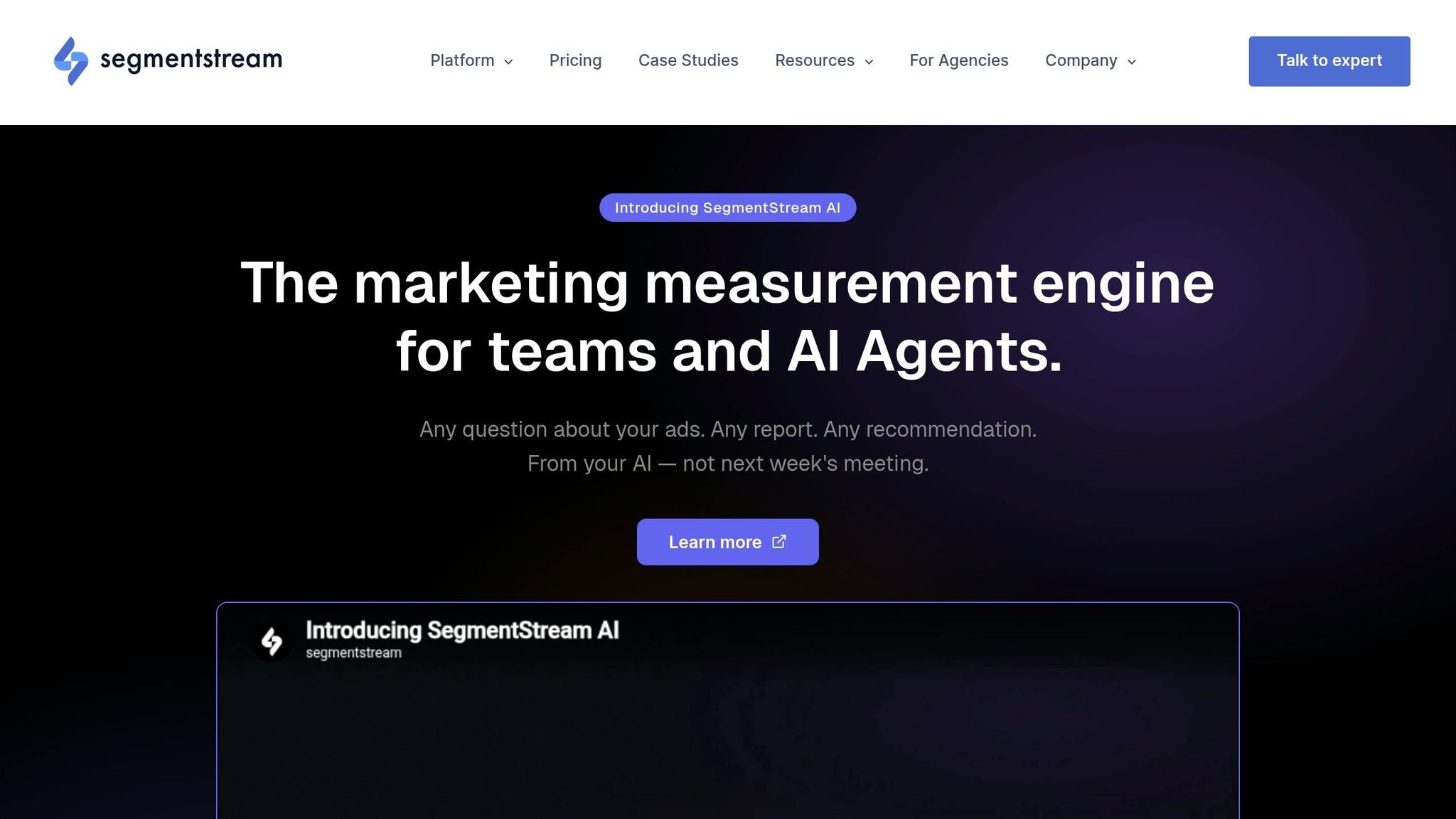
SegmentStream uses machine learning to score visits and measure their behavioral impact, rather than just tracking touchpoints. This approach provides deeper insights into incremental revenue and includes features like incrementality testing and automated budget adjustments. Designed for brands spending over $100,000 monthly, its Synthetic Conversions feature enhances ad platform learning signals by recovering data lost due to consent gaps or short attribution windows. Pricing is custom, and it integrates with Google Ads, Meta Ads, and LinkedIn Ads.
Opteo
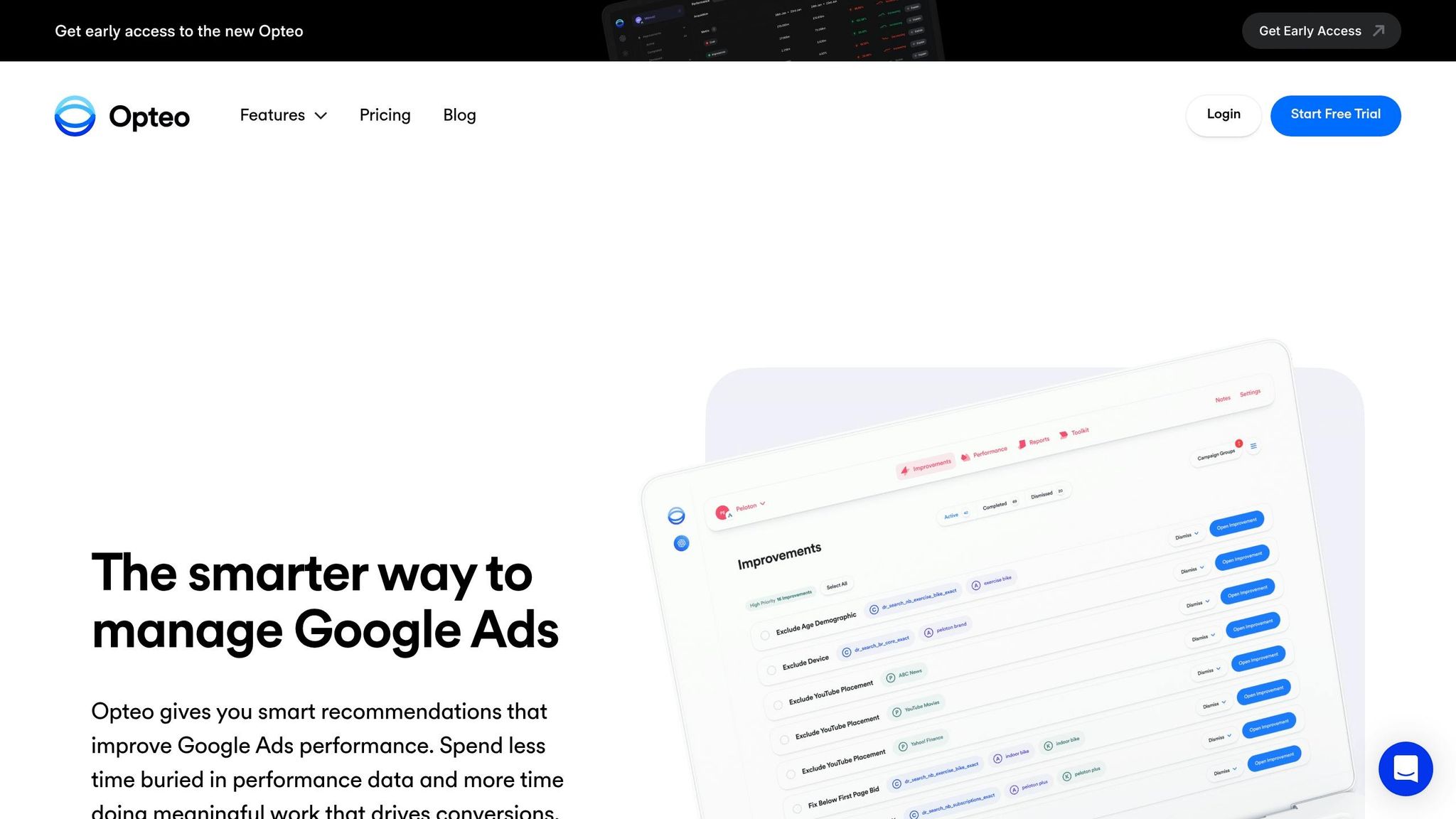
Opteo is built solely for Google Ads optimization, offering over 40 recommendation types like budget pacing alerts and one-click optimizations. It’s great for mid-sized marketing teams looking to improve campaign performance without constant manual audits. Starting at $99 per month, it bridges the gap between basic dashboards and more advanced measurement platforms.
Swydo
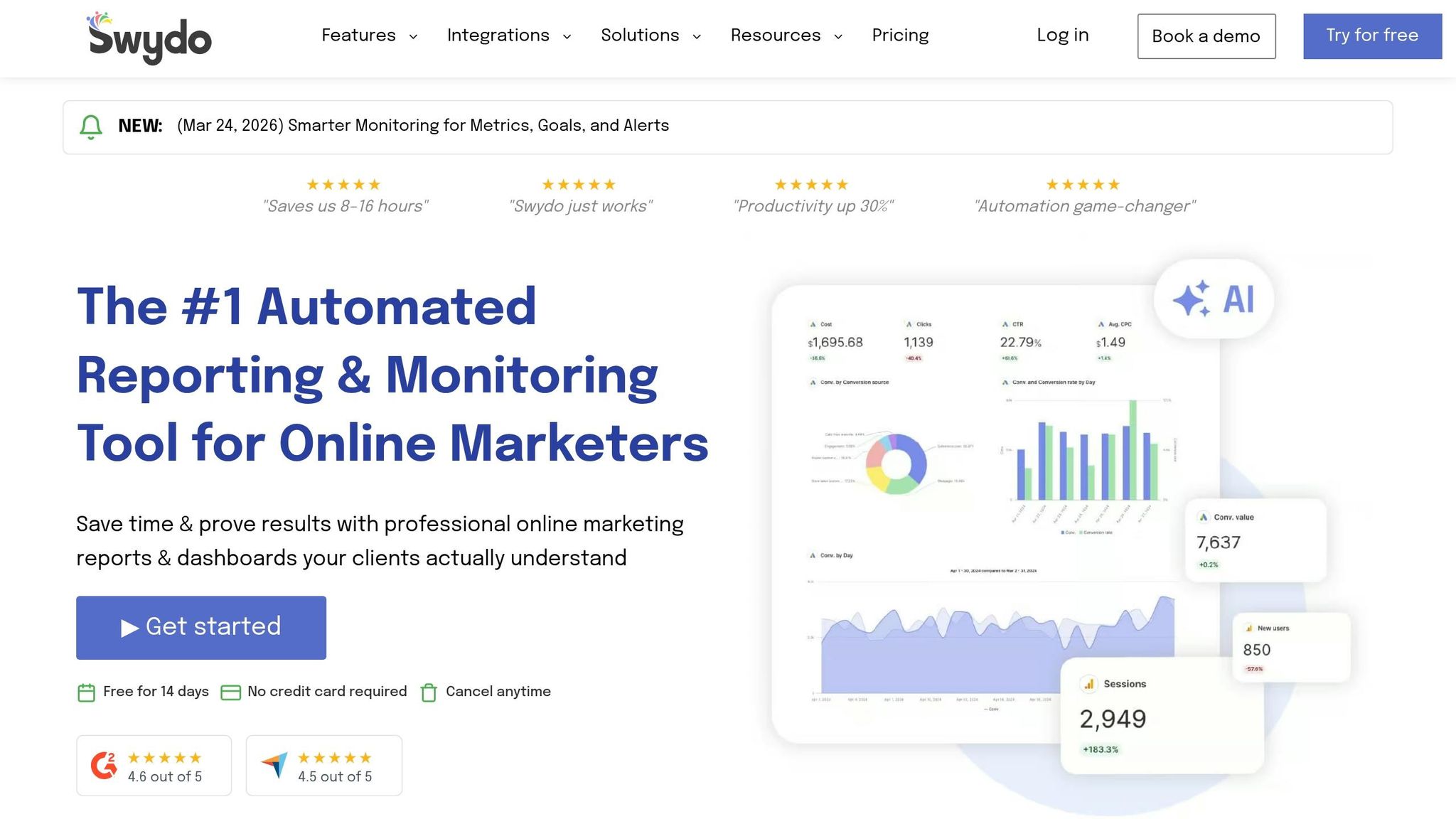
Swydo simplifies reporting for agencies and PPC teams with template-based dashboards, KPI alerts, and scheduled PDF deliveries. Setup takes under 30 minutes, and it integrates with over 20 data sources. Starting at $49 per month for 10 data sources, Swydo can save teams three to eight hours per client each month. It also offers white-label capabilities but may lack the customization some competitors provide.
Whatagraph
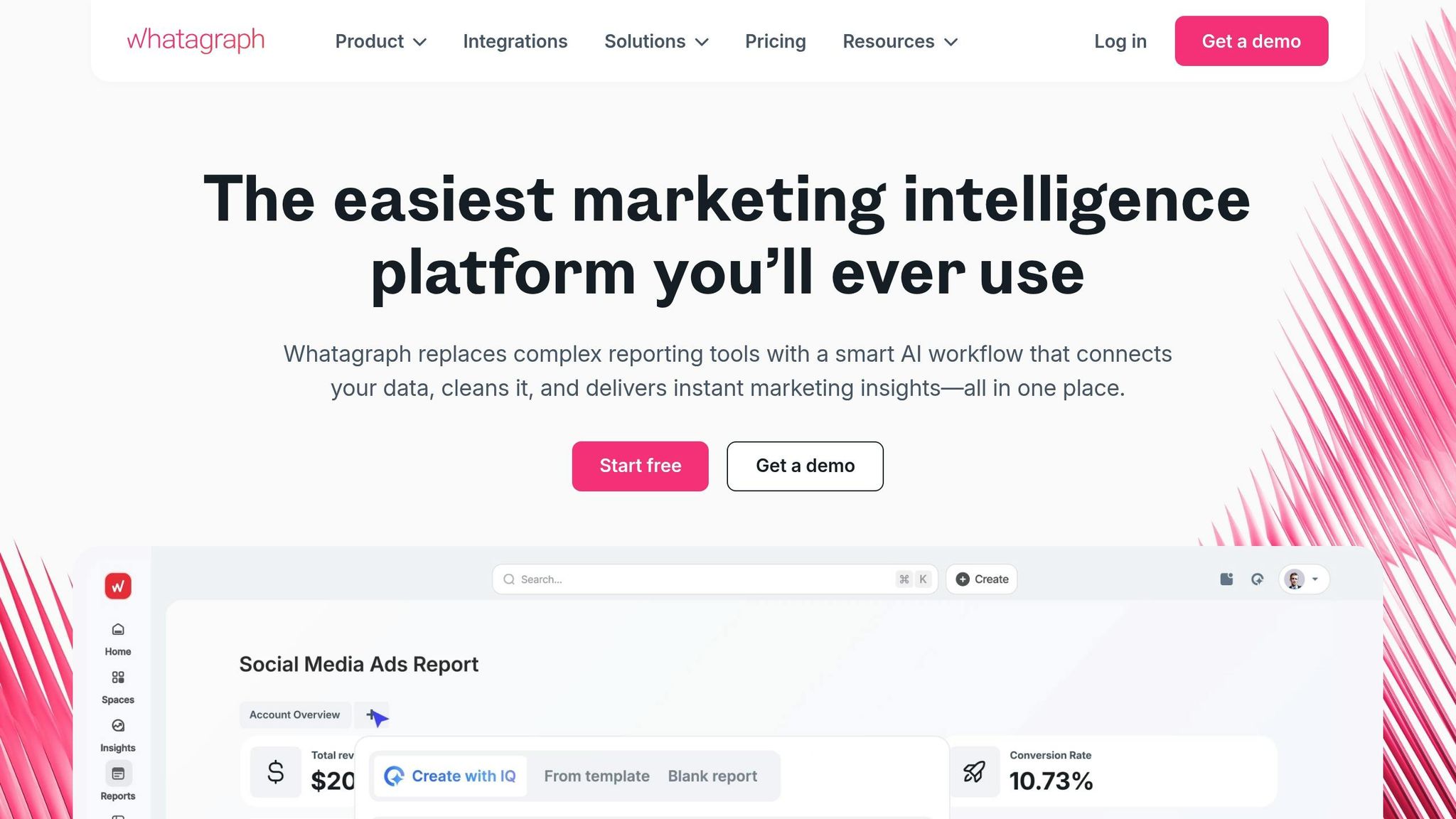
Whatagraph specializes in multi-channel reporting with AI-generated summaries that turn raw ad data into visually appealing reports. It supports over 45 connectors, such as Meta and Google Ads, helping teams quickly identify trends and anomalies. Pricing starts at $229 per month (billed annually), making it a solid choice for streamlined reporting.
AgencyAnalytics
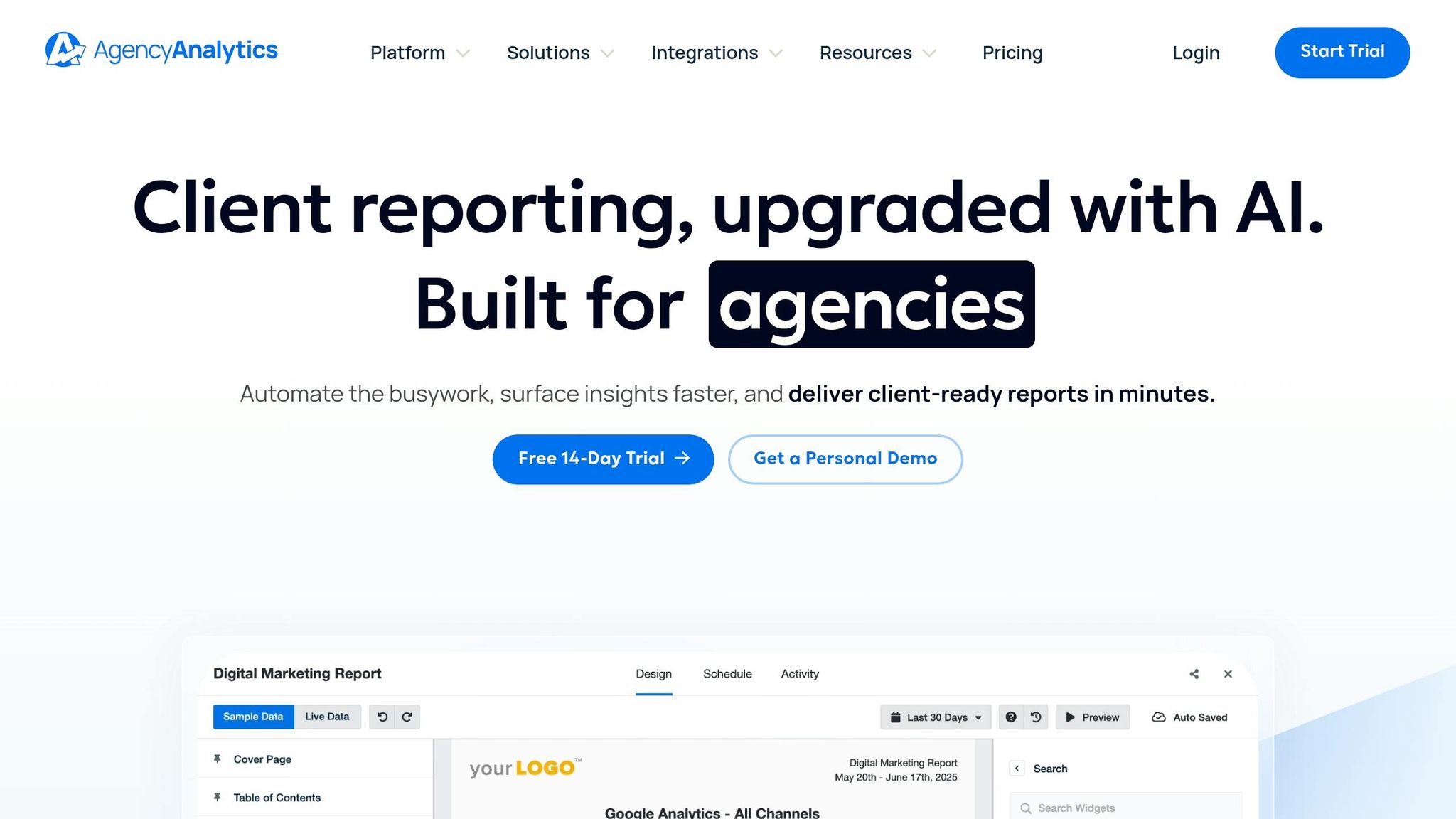
AgencyAnalytics is a go-to for agencies, thanks to its white-label features and support for over 80 integrations. It centralizes ad spend tracking across multiple campaigns and includes tools for reporting automation and client management, such as branded logins for live data access. Plans start at $79 per month for five client campaigns, offering a professional solution for agencies.
Databox
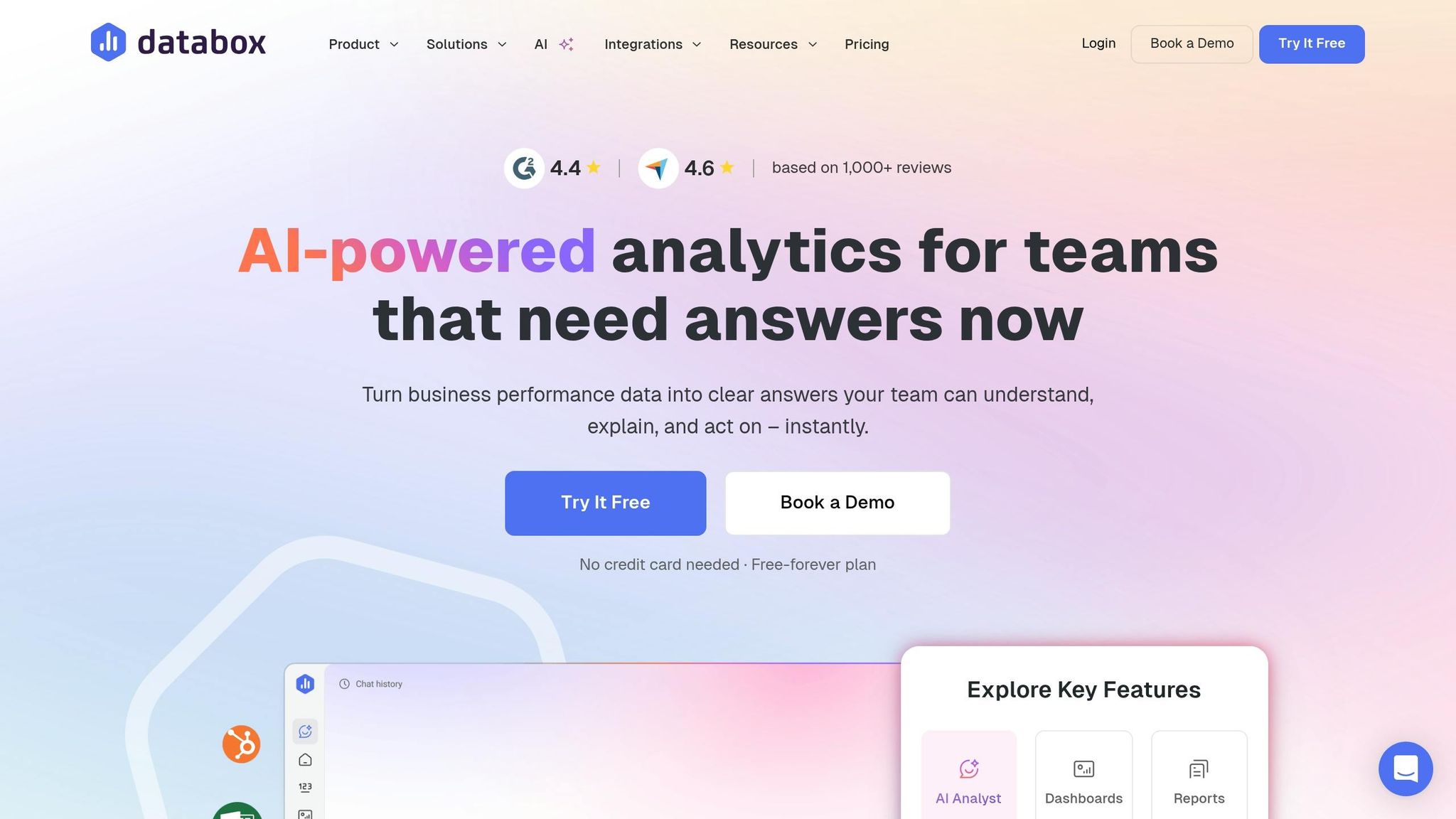
Databox provides KPI dashboards that connect with over 130 tools. Using AI-powered insights and goal tracking, it helps teams make smarter budget allocation decisions. Its intuitive visual interface bridges reporting and actionable optimization, alerting users to performance changes. Pricing starts at $199 per month, making it accessible for real-time KPI tracking.
Triple Whale
Triple Whale caters to DTC and eCommerce brands, especially Shopify users. It combines ad performance data with revenue attribution and multi-touch models to track profitability, including detailed ROAS analysis. Trusted by over 50,000 Shopify-based brands, it starts at $179 per month and is known for its quick setup - often under an hour. Triple Whale also uncovers dark funnel data for better insights.
Madgicx
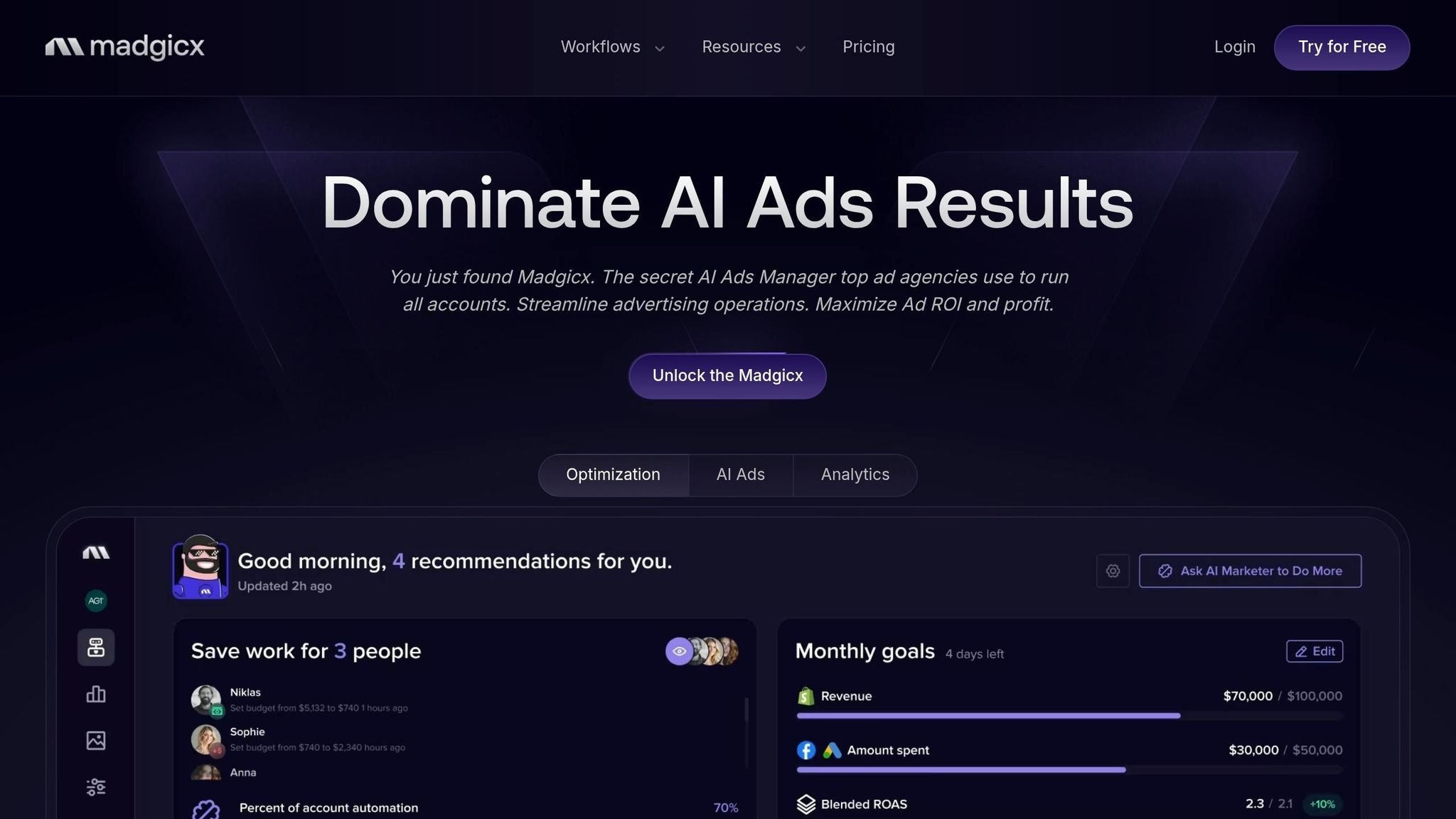
Madgicx specializes in AI-driven Meta optimization and cross-platform ad spend analytics, offering daily audits for eCommerce brands. It provides actionable recommendations rather than just reporting results. Starting at $69 per month for its base plan, it’s ideal for brands heavily invested in social media analytics for Facebook and Instagram, helping them identify top-performing creative variations.
Side-by-Side Comparison Table
Here's a quick-reference table to help you compare key features, pricing, integrations, automation capabilities, and ideal use cases for various ad spend tools.
| Tool | Core Ad Spend Feature | Starting Price | Key Integrations | Automation Capability | Best For |
|---|---|---|---|---|---|
| Google Analytics 4 | Post-click behavior & UTM tracking | Free | Google Ads, Firebase | Basic event-based automation | General website traffic analysis |
| Supermetrics | Data aggregation from 500+ sources | $37/mo | Google Ads, Meta, LinkedIn, BigQuery, Looker Studio | Automated data pipelines | Custom reporting in Sheets/Looker Studio |
| SegmentStream | ML visit scoring & incrementality testing | Custom pricing | Google Ads, Meta Ads, LinkedIn Ads | Automated cross-channel budget reallocation | High-spend multi-channel brands (>$100K/month) |
| Opteo | Google Ads auditing & bid suggestions | $99/mo | Google Ads only | 40+ prioritized recommendation types | Google Ads account management |
| Swydo | PPC monitoring & KPI alerts | ~$69/mo | 20+ sources including Meta, Google Ads | Template-based automated PDF reports | Agencies needing simple client reports |
| Whatagraph | Multi-channel data visualization | $249/mo | 45+ connectors (Meta, Google Ads, TikTok) | AI-generated reporting summaries | Visual-heavy multi-channel reporting |
| AgencyAnalytics | Centralized ad spend tracking | $79/mo | 80+ marketing integrations | Automated, white-label reporting | Agencies managing many small clients |
| Databox | Cross-platform KPI dashboards | $199/mo | 130+ tools | AI-powered insights & goal tracking | Real-time KPI tracking & alerts |
| Triple Whale | Revenue attribution & ROAS analysis | $129/mo | Shopify, Meta, Google, TikTok | Multi-touch attribution models | Shopify/DTC brands |
| Madgicx | AI-driven Meta optimization | $99/mo | Meta (Facebook/Instagram), Google Ads | 15-minute automatic optimizations | eCommerce brands focused on Meta ads |
For smaller budgets under $5,000/month, free tools like Google Analytics 4 can be a great fit. On the other hand, tools like SegmentStream cater to brands spending over $100,000/month. The level of automation also varies significantly. For example, Madgicx can automate optimizations every 15 minutes, while Opteo offers actionable recommendations that require manual approval.
As a general rule, businesses should allocate 1–3% of their total ad spend to analytics tools. For more advanced campaigns aiming to maximize ROAS, this budget might increase to 3–8%. For instance, if you're spending $50,000/month on ads, setting aside $500–$1,500 for analytics tools can unlock valuable insights and improve campaign performance.
This comparison gives a clear starting point for choosing the tool that aligns best with your ad spend strategy. Up next, explore how to evaluate these tools based on your specific needs.
How to Choose the Right Tool
Key Selection Criteria
When evaluating tools, think in terms of three layers: Reporting (understanding what happened), Optimization (deciding what to change), and Measurement & Action (analyzing what drove revenue). Many people focus too much on flashy dashboards, overlooking whether they need tools for automated execution or manual control.
Attribution methods can miss 30-40% of conversions due to privacy updates and ad blockers. Tools like Cometly, which use server-side or first-party tracking, can capture data that browser-based pixels often miss. Overlooking this kind of tracking means working with incomplete information.
The decision between automation and manual control is a game-changer. In April 2026, Sarah K., a Paid Media Manager at an E-commerce Agency, introduced Ryze AI to handle client accounts. Within six weeks, manual bid management time dropped from 10 hours per week to just 30 minutes, while ROAS (Return on Ad Spend) improved from 2.4x to 4.1x.
"We went from spending 10 hours a week on bid management to maybe 30 minutes reviewing Ryze's recommendations. Our ROAS went from 2.4x to 4.1x in six weeks." - Sarah K., Paid Media Manager, E-commerce Agency
Don’t forget hidden costs beyond the subscription fee. Consider setup and migration time, team training, and percentage-of-spend fees that grow with your budget. A good rule of thumb is to allocate 1-3% of your total ad spend to analytics tools, though top-tier optimization might justify spending 3-8%. For example, if your monthly ad budget is $50,000, plan to invest $500-$1,500 in analytics infrastructure.
Your platform mix also narrows your options. Some tools specialize in certain ecosystems - like Madgicx for Meta or Opteo for Google Ads - while others can handle multiple platforms. If your campaigns span Google, Meta, TikTok, and LinkedIn, make sure the tool offers genuine cross-channel management (like automated budget reallocation) rather than just cross-channel reporting (which only visualizes data from different sources).
These factors help align tool selection with your business needs, or you can browse our directory of marketing analytics tools for more options.
Best Tools by Business Type
The right tool depends heavily on your business type and spending habits.
For small businesses spending $5,000-$25,000 monthly, simplicity and support are key. Google Analytics 4 is a solid, free option for basic post-click tracking. For something more advanced, WordStream ($299-$799/month) is tailored to this budget range and offers built-in guidance for teams without PPC specialists.
Agencies need features like white-labeling, client portals, and multi-account management. Tools such as AgencyAnalytics ($79/month) and Swydo (~$69/month) excel at automating PDF report generation, saving hours of work per client. For agencies managing larger budgets ($10,000+), Optmyzr ($129-$999/month) strikes the perfect balance between automation and expert-level control.
E-commerce brands, especially those on Shopify, should look into Triple Whale ($129/month). It goes beyond revenue tracking by integrating costs like COGS, shipping, and returns, providing real-time profit insights. For example, a $100,000 revenue month might actually translate to $20,000 in profit once operational costs are factored in.
Enterprise businesses spending $100,000+ monthly require advanced features like incrementality testing and automated budget reallocation. SegmentStream (custom pricing) uses machine learning to optimize channel budgets without manual input. Rockerbox (starting at $2,000/month) adds marketing mix modeling and offline-to-online tracking for complex campaigns.
B2B and lead generation companies, with their longer sales cycles and offline conversions, need tools that can connect ad clicks to closed deals. Ruler Analytics ($199-$799+/month) and Hyros ($500-$3,000/month) track phone calls and CRM data, helping you understand which campaigns generate actual revenue versus just form submissions.
Automation is becoming the norm - 73% of top-performing agencies now use platforms that handle bids and budgets autonomously. With Google Ads CPCs increasing 34% year-over-year, automation isn’t just convenient - it’s essential for staying competitive. Keep in mind, AI algorithms typically need 2-4 weeks to learn, so wait at least 30 days before evaluating their impact.
Conclusion
Choosing the right analytics tool depends on aligning your business needs and ad spend with the tool's features. For small businesses spending between $5,000 and $25,000 monthly, Google Analytics 4 (free) or Supermetrics (starting at $37/month) are excellent starting points. They’re straightforward to set up and don’t require a dedicated PPC specialist.
Agencies juggling multiple clients can benefit from white-label platforms like AgencyAnalytics or Swydo (starting at ~$69/month). These tools simplify reporting by automating much of the process, saving time and effort.
E-commerce brands using Shopify might find Triple Whale (starting at $129/month) particularly useful. It tracks real profit by factoring in costs like COGS and shipping. On the other hand, enterprise businesses with ad spends exceeding $100,000 may need advanced solutions like SegmentStream (custom pricing), which offers AI-driven budget optimization and incrementality testing. For B2B companies with lengthy sales cycles, Hyros (pricing from $500 to $3,000/month) connects ad clicks to closed deals through CRM integration, making it a strong choice.
Interestingly, 73% of top-performing agencies now rely on autonomous platforms that can improve ROAS by 15–25% within just 60 days. This trend underscores the growing importance of automation, especially as Google Ads CPCs are projected to rise 34% year-over-year by 2026.
Finally, it’s important to note that platform-native analytics tools often miss 30–40% of conversions due to privacy updates and ad blockers. Solutions using first-party tracking, such as Triple Whale, can capture data that browser-based pixels fail to detect.
FAQs
How do I choose between reporting and attribution tools?
When deciding between reporting tools and attribution tools, it all comes down to what you want to achieve with your marketing analysis.
- Attribution tools focus on assigning credit to specific touchpoints in the customer journey. They help you understand which channels or interactions are driving conversions, making them ideal if you're looking to pinpoint what’s working in your funnel.
- Reporting tools, on the other hand, gather and organize data from your campaigns. They give you a clear view of metrics like ad spend, impressions, and clicks, offering a snapshot of overall performance.
If your goal is to dig into the details of how conversions happen, attribution tools are the way to go. But if you’re more interested in monitoring the bigger picture of your campaigns, reporting tools will do the job. Many businesses combine both to get a well-rounded view of their marketing efforts.
What’s the best way to track conversions with privacy changes?
To keep tracking conversions effectively amid privacy changes, consider using server-side tracking. This approach works around browser restrictions, such as ad blockers and cookie limitations, by collecting data directly on your server. It ensures more dependable attribution.
Pair this with first-party data and AI-based modeling to link user activities across various channels and devices. Together, these methods help maintain accurate insights into the customer journey while respecting privacy standards.
How much should I budget for paid ads analytics tools?
Your budget for paid ad analytics tools will vary based on factors like your ad spend, how complex your campaigns are, and the features you need. If you're a small business, you might allocate anywhere from $50 to $500 per month for basic tools. On the other hand, larger companies with ad budgets exceeding $50,000 per month could invest $1,000 or more in advanced platforms. The key is to match your budget to your goals and the depth of tracking and optimization you require.