Tracking email campaigns in real-time helps you improve performance by monitoring key metrics like open rates, click-through rates, and replies. Advanced tools now offer features like engagement tracking, predictive analytics, and AI-driven insights to help you optimize campaigns as they run. Here’s a quick breakdown of the top tools:
- GMass: Tracks opens, clicks, and replies directly in Gmail. Affordable plans start at $20/month.
- Right Inbox: Offers instant email open and click notifications. Plans start at $7.95/month.
- Mixmax: Features a live feed with engagement data and CRM integration. Free and paid plans available.
- Snov.io: Includes real-time tracking, email verification, and lead generation tools. Free tracking for Gmail users.
- HubSpot Sales Hub: Tracks opens and clicks with CRM integration. Free tier available; paid plans start at $9/month.
- Moosend: Provides heatmaps, automation tracking, and predictive analytics. Plans start at $7/month.
- MailerLite: Offers AI insights, click maps, and e-commerce tracking. Free plan for up to 500 subscribers.
Quick Comparison Table
| Tool | Starting Price | Free Plan/Trial | Key Features | Best For |
|---|---|---|---|---|
| GMass | $20/month | 7-day trial | Gmail integration, real-time tracking | High-volume Gmail campaigns |
| Right Inbox | $7.95/month | Free plan | Email tracking, scheduling, CRM syncing | Individual professionals |
| Mixmax | Varies | Free plan | Live feed, Salesforce integration | Sales teams |
| Snov.io | Free | Free tracking | Lead generation, email verification | B2B outreach |
| HubSpot Sales Hub | $9/month | Free tier | CRM integration, predictive insights | Sales-focused teams |
| Moosend | $7/month | 30-day trial | Heatmaps, automation tracking | E-commerce businesses |
| MailerLite | $10/month | Free plan | AI insights, e-commerce tracking | Small businesses and e-commerce |
Each tool offers unique features tailored to different needs, from cold outreach to e-commerce tracking. Choose one based on your budget, email platform, and campaign goals.
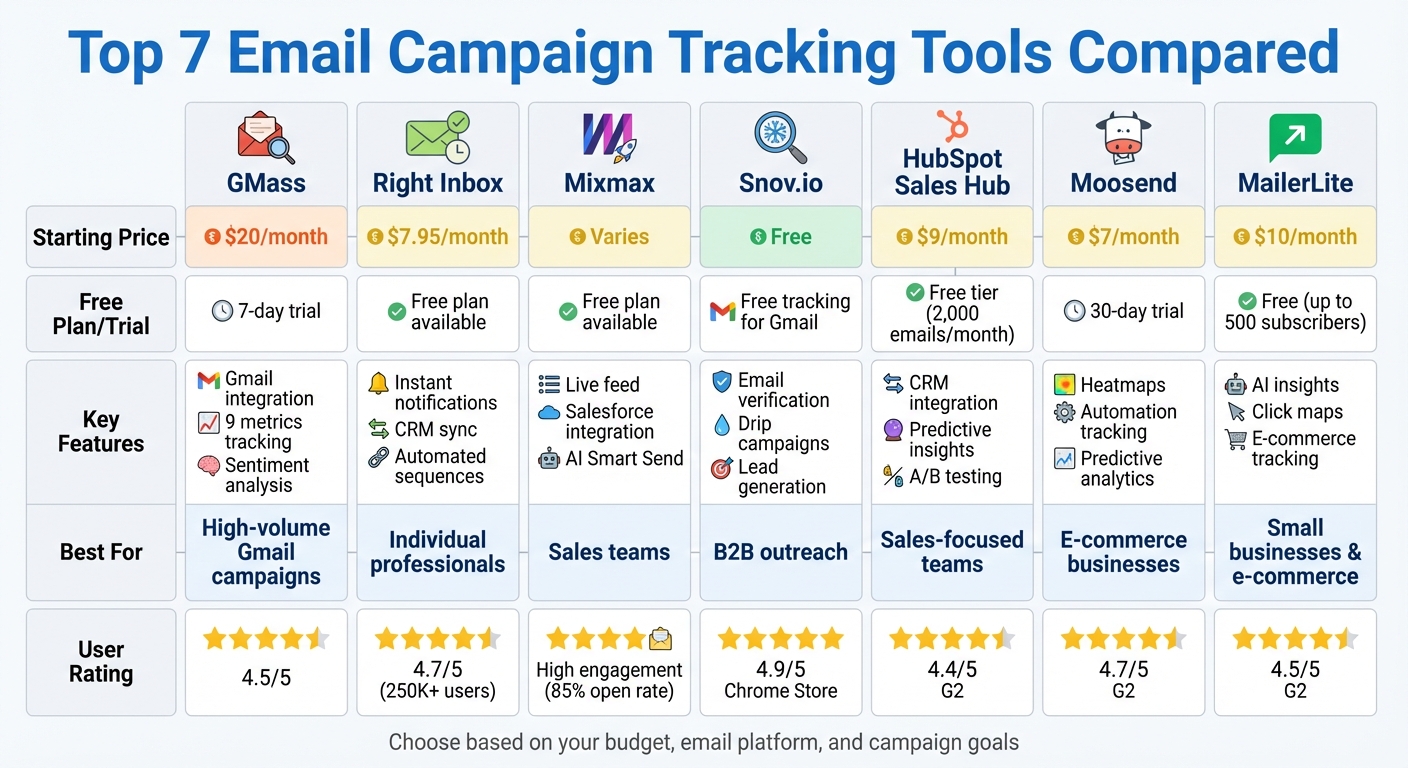
Email Campaign Tracking Tools Comparison: Features, Pricing & Best Use Cases
1. GMass
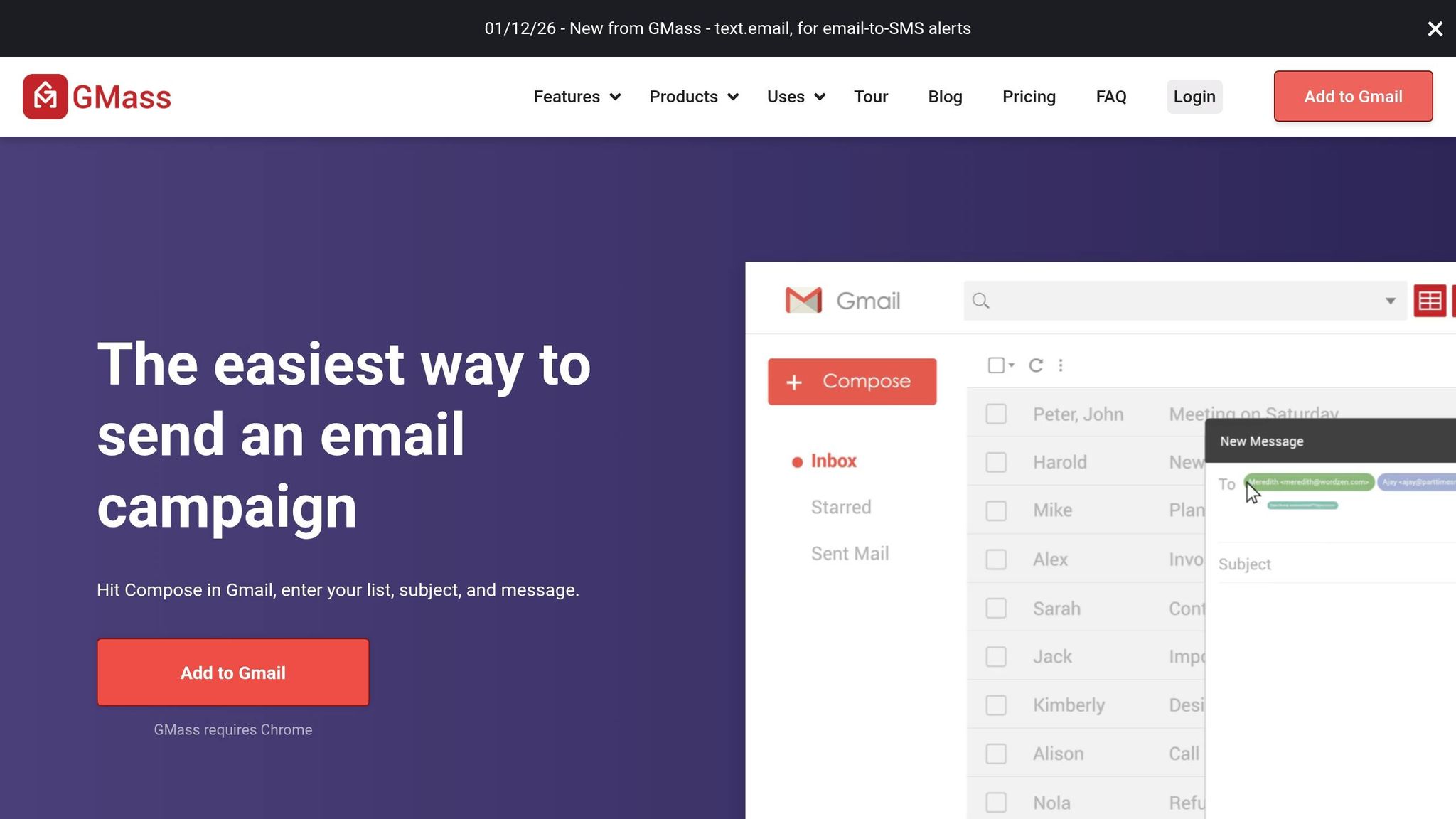
Real-time tracking capabilities
GMass provides a live feed of essential analytics tools for business like opens, clicks, and unsubscribes, helping you stay updated on your email performance as it happens. It tracks nine key metrics, including recipient counts, unique opens, non-openers, unique clicks, replies, unsubscribes, bounces, Gmail rejections, and spam blocks. These insights allow you to quickly address engagement or deliverability issues. Additionally, the dashboard lets you see which recipients clicked specific links in your email for each URL. Replies are tracked directly in your inbox, and a built-in sentiment analyzer categorizes responses as positive, negative, or neutral. For deeper insights, FoxMetrics offers advanced behavioral tracking to further enhance engagement. Beyond the basics, GMass goes further by tracking listen times for attached audio files and showing real-time results for embedded polls. To ensure accurate data, the Tracker Blocker Chrome extension prevents your own opens from being falsely recorded as tracking events. All this real-time data integrates seamlessly into your workflow.
Integration with email platforms
GMass pairs its tracking capabilities with direct integration into Gmail and Google Sheets via a Chrome extension. You can launch campaigns straight from Gmail with just one click. Plus, its Google Sheets connection allows you to import recipient data and update reporting metrics - like opens and clicks - directly back into your spreadsheet for live collaboration.
Pricing structure and affordability
GMass offers a free version that doesn’t require a credit card to get started. For more advanced features, the Individual Standard plan costs $20/month (billed annually), while the Individual Premium plan is $29/month (billed annually). Team plans begin at $145/month for five users. Unlike many email tools, GMass doesn’t charge based on how many contacts you have or how many emails you send, making it a budget-friendly choice for those sending high volumes.
Specialized features for campaign optimization
GMass includes tools to make your campaigns more effective, such as behavior-based follow-ups (like targeting recipients who clicked on a specific link), A/B testing, and a Spam Solver tool to check deliverability before sending. You can also set up custom tracking domains to improve deliverability and maintain consistent branding. However, for tracking to work accurately, emails must be sent in HTML format with hyperlinked text instead of raw URLs. These features allow for real-time adjustments, giving you actionable insights to refine your campaigns as they run.
sbb-itb-5174ba0
2. Right Inbox
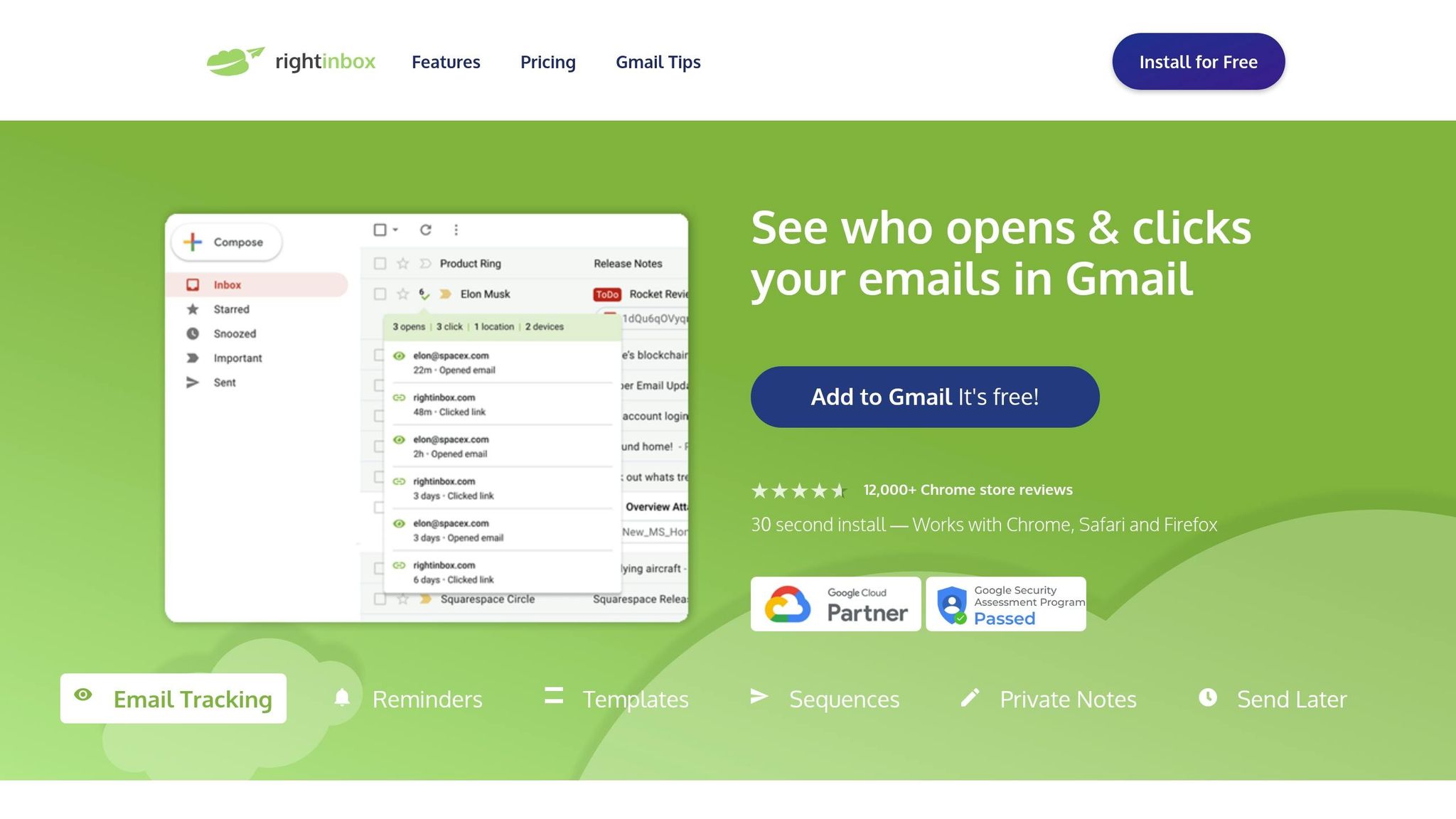
Real-time Tracking Capabilities
Like GMass, Right Inbox delivers instant insights by notifying you the moment your emails are opened or links are clicked. These real-time updates help you act quickly, ensuring follow-ups are well-timed while your message is still top of mind. With over 250,000 professionals relying on Right Inbox for email productivity and more than 12,000 reviews on the Chrome Web Store, its popularity speaks volumes. While GMass focuses on a broader set of performance metrics, Right Inbox zeroes in on quick notifications and efficient follow-up strategies. Its real-time tracking pairs perfectly with its smooth integration into widely-used email platforms.
Integration with Email Platforms
Right Inbox operates as a browser extension for Chrome, Safari, and Firefox, embedding directly into Gmail for a seamless experience. Installation takes just 30 seconds, and the integration feels natural.
"This extension is the best. The look is so clean and integrates so smoothly, it feels like it's created by Gmail, unlike others."
The tool also syncs critical email conversations with your CRM, making it easy to track performance using website analytics tools and update records without leaving Gmail.
Pricing Structure and Affordability
Right Inbox offers flexible pricing to suit different needs. The free plan includes tracking for up to 5 emails per month, along with 5 templates and 5 signatures. For those needing more, the Professional plan costs $7.95/month (billed annually) or $9.95 on a monthly basis. It includes unlimited tracking, automated sequences, mail merge, and CRM syncing. Teams can opt for plans starting at $16.95 per user/month (annual billing) or $19.95 monthly. One user even noted that upgrading to a paid plan boosted their email productivity enough to pay off within just two weeks.
Specialized Features for Campaign Optimization
Right Inbox is packed with features to streamline your email campaigns. Automated follow-up sequences ensure no lead is left behind by triggering when recipients don’t open or reply, and they automatically stop once a response is received. Other standout tools include:
- Private Notes: Keep internal tracking organized.
- One-Click Templates: Speed up repetitive tasks.
- Send Later Scheduling: Target recipients in specific time zones.
- Smart Link Previews: Add engaging visuals to your emails.
- AI-Powered Email Summarizer: Quickly process responses.
- Inbox Pause: Focus on campaign analysis without distractions.
These tools make Right Inbox a go-to choice for professionals looking to optimize their email campaigns efficiently.
3. Mixmax
Real-time Tracking Capabilities
Mixmax provides a Live Feed that delivers instant updates on every email open, click, download, and reply for both Gmail and Outlook users. Its tracking goes a step further by identifying recipient locations and offering detailed interaction data for messages and attachments. You can set up instant notifications via desktop, email, or Slack to stay on top of recipient actions, ensuring you act quickly on potential leads. These real-time insights allow for immediate tweaks to campaigns based on engagement trends. Additionally, the leaderboard feature highlights top performers in booking meetings, with data segmented by individual, team, or department. The Live Feed also includes advanced search and filter tools, enabling sorting by activity type or searching by sender, recipient, sequence, or template.
Integration with Email Platforms
Mixmax integrates seamlessly with Gmail and Outlook, allowing users to track campaigns directly within their email platforms. Gmail users can enable tracking by clicking "Sync to Mixmax", while Outlook users can check the "Sync to Mixmax" option in the side panel. The platform also syncs automatically with Salesforce and LinkedIn, updating CRM records and tracking engagement across channels. A handy sidebar within the email interface displays social and CRM insights, making it easier to personalize outreach in real time. However, Outlook users should note that tracking emails with multiple recipients attributes all opens and clicks to the first recipient in the "To" field. This seamless integration is paired with flexible pricing models designed to accommodate both individuals and teams.
Pricing Structure and Affordability
Mixmax offers a free starter plan, with Live Feed syncing included in all paid subscriptions. While specific pricing tiers weren't outlined, the platform is designed to scale from solo users to large enterprise teams. Higher-tier subscriptions include advanced features like team-wide Live Feed views and administrative controls.
Specialized Features for Campaign Optimization
Mixmax includes AI Smart Send, which analyzes engagement data to send emails at times when recipients are most likely to check their inboxes. Emails can also include interactive elements like one-click polls, surveys, and clickable Google Calendar meeting slots, all designed to boost response rates. Automated workflows use IF/THEN rules to route leads based on Salesforce ownership or trigger actions based on engagement.
Sam Blond, Chief Sales Officer at Brex, shared the impact of these features:
"We see an 85% open rate on our outbound email sequences and a 40% reply rate to those cold sequences. Outbound accounts for 30% of our signups right now. We can directly attribute that to Mixmax."
Similarly, Federico Dominquez, Sales Operations Director at Hostfully, reported a 576% year-over-year increase in pipeline generation by leveraging Mixmax’s sequences and tracking tools. The platform further supports multi-channel sequences across email, phone, and LinkedIn InMail. Collaboration features like Sidechat allow teams to have internal discussions directly on email threads. These tools enable teams to adapt campaigns dynamically, driving better performance in real time.
4. Snov.io
Real-time Tracking Capabilities
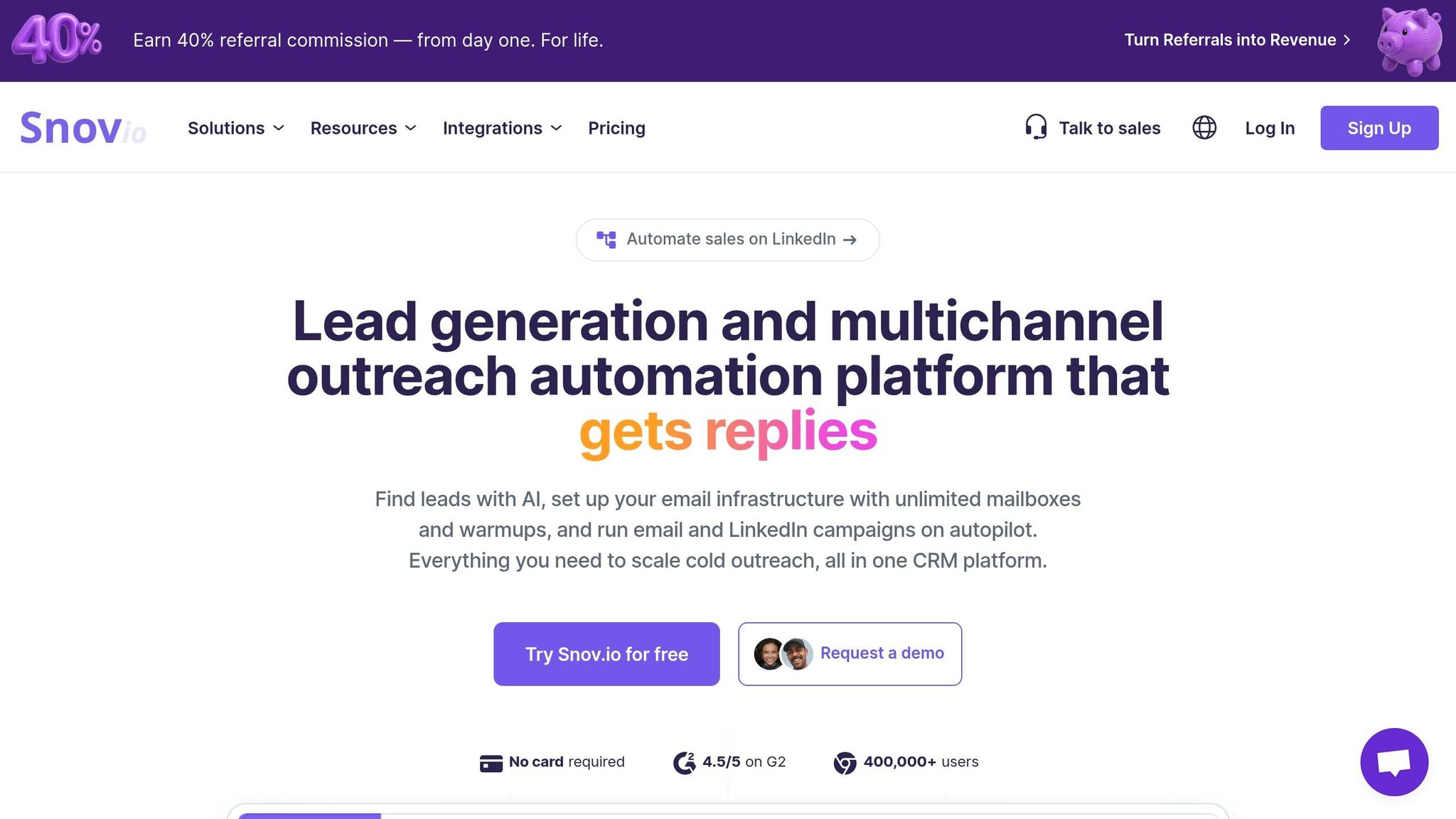
Snov.io offers instant desktop notifications whenever recipients open your emails or click on links. It keeps you updated in real-time, showing status tags like Unopened, Opens, and Clicks directly in your Gmail inbox - no need to switch tabs. A detailed sidebar logs every interaction, complete with exact timestamps. Plus, its invisible tracking pixel ensures your emails remain clean and professional, without any branded logos or signatures. With over 100,000 Chrome extension users and more than 8,000 5-star reviews on the Chrome Web Store, Snov.io has clearly earned its reputation as a reliable tool for monitoring campaigns in real time.
Integration with Email Platforms
The Snov.io Email Tracker works effortlessly with Gmail and Google Workspace through a Chrome extension, allowing you to manage multiple Gmail accounts for different campaigns. Its Email Drip Campaigns feature supports Gmail, Outlook, Exchange, and SMTP accounts, with no limit on the number of sender accounts per campaign. To safeguard your sender reputation, the platform uses mailbox rotation to evenly distribute sending volume. This approach has helped users achieve average open rates of 65% to 70% for outbound emails.
Pricing Structure and Affordability
Snov.io's Email Tracker for Gmail is completely free to use, with no restrictions or branded signatures on your tracked emails. For more advanced prospecting features, the platform operates on a credit-based system. For example, each prospect search, email search, or email verification uses 1 credit. When running outreach campaigns, the first contact with a lead costs 1 recipient unit, but all follow-ups within the same billing period are free. Paid plans also include unlimited team seats, making it easy for organizations to share credits and recipient units efficiently.
Specialized Features for Campaign Optimization
Snov.io includes features designed to streamline your outreach. The "Remind Me" tool lets you set automated reminders if an email goes unanswered or a link remains unclicked. You can also schedule emails up to three months in advance, ensuring they reach recipients at the best possible times. Additionally, the platform integrates seamlessly with Snov.io’s lead generation, email verification, and sender reputation management tools.
As Konstantin Dubovitskiy, Growth Manager of Content at Firstbase, shared:
"Snov.io is the most complete platform for cold email and prospecting strategy! It speeds up the process and turns possible future revenue into actual present."
Snov.io consistently receives high ratings across platforms, including 4.9/5 on the Chrome Web Store, 4.8/5 on Trustpilot, and 4.5/5 on both G2 and Capterra. Users frequently highlight its invisible tracking and ability to transform cold outreach into measurable results.
5. HubSpot Sales Hub
Real-time Tracking Capabilities
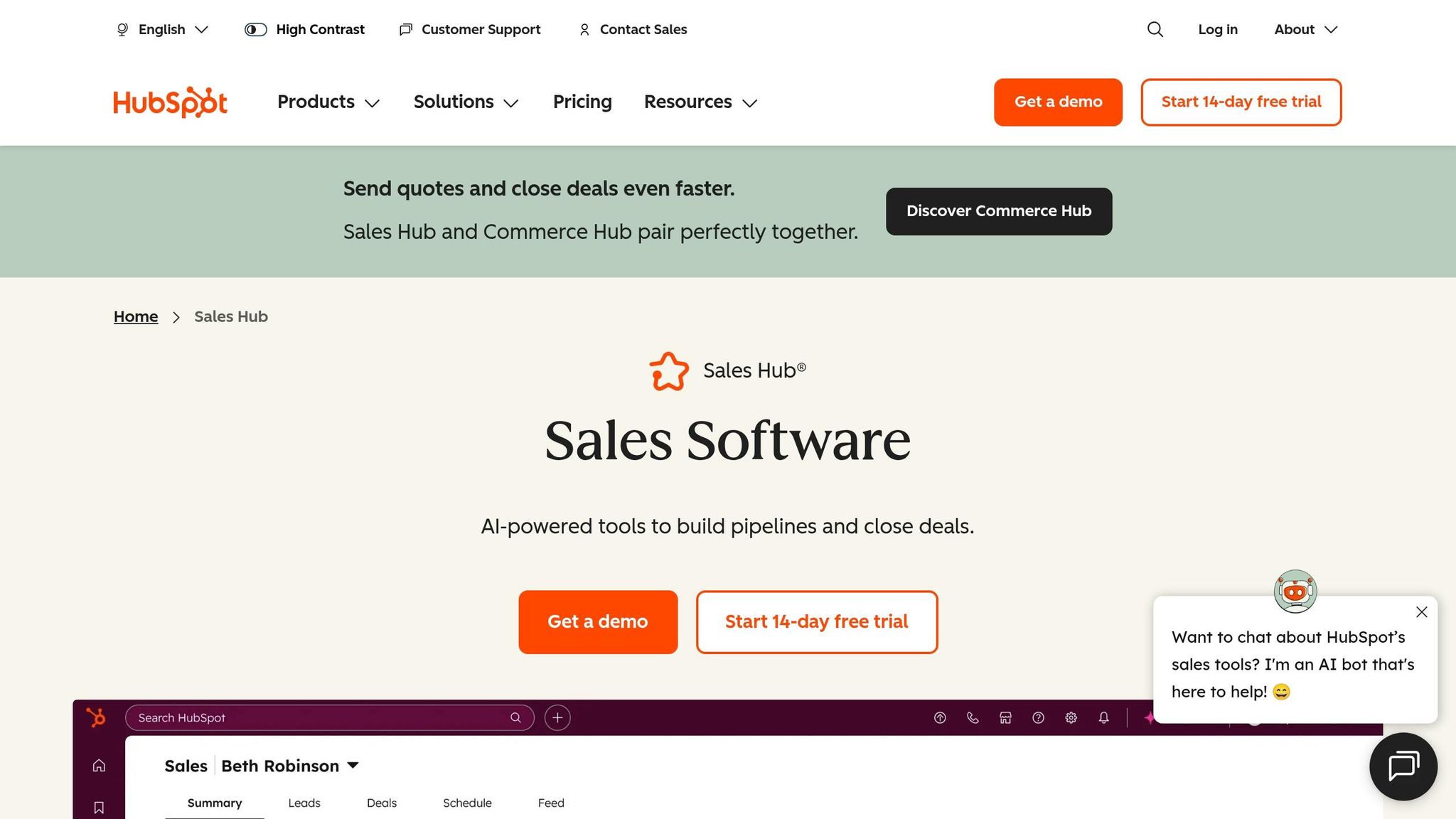
HubSpot Sales Hub offers pop-up alerts whenever an email is opened or a link is clicked. It accomplishes this using an invisible one-pixel image to track email opens and embeds tracking strings in URLs to monitor clicks. All interactions - like the exact time and frequency of opens or clicks - are displayed in a centralized activity feed and on the contact's CRM timeline. If privacy settings are enabled or emails are sent to multiple recipients, notifications will simply indicate "Someone."
For better email deliverability and to maintain consistent branding, you can use a custom tracking domain. This step helps ensure your emails not only reach their destination but also align with your brand identity.
Integration with Email Platforms
HubSpot Sales Hub integrates seamlessly with Gmail through a Chrome extension and with Outlook via the Office 365 add-in or desktop add-in. This allows you to send one-to-one emails directly from your inbox while tracking opens and clicks. The Log feature automatically copies sent emails and attachments (up to 50 MB) to the corresponding contact record in the CRM. You can also customize logging and tracking defaults within the extension settings to streamline the process.
Research shows that sales teams leveraging email tracking and analytics reduce average email response times by 42.5% within just two weeks. Additionally, responding to a lead within an hour boosts the chances of conversion by seven times. This smooth integration, like other tools offering real-time tracking, ensures your data is actionable the moment it’s collected.
Pricing Structure and Affordability
HubSpot provides a free tier that includes basic email open tracking and activity feed notifications, capped at 200 notifications per month. To access link click tracking, you’ll need a paid Sales Hub seat. Pricing starts at $9/month for the Starter plan, $800/month for the Professional plan, and $3,600/month for the Enterprise plan. Even the free tier includes basic CRM tools, making it a great option for small teams exploring tracking features before committing to a paid plan.
Specialized Features for Campaign Optimization
HubSpot Sales Hub goes beyond basic tracking with features like A/B testing, automated sales sequences, and predictive send-time optimization. The platform’s Breeze AI tool provides automated performance summaries and helps pinpoint the best times to send emails, increasing engagement rates. Additionally, closed-loop revenue attribution links email touchpoints directly to your sales pipeline, giving you a clear view of how emails contribute to closed deals and customer lifetime value.
As Justina Thompson, a writer at HubSpot, puts it:
"Email marketing reporting is the backbone of any performance-focused email strategy. Without it, you're sending campaigns into a void, unable to see what's working, what's falling flat, and most importantly, what's driving revenue."
HubSpot Sales Hub has earned a 4.4/5 rating on G2 and is recognized as the "Best Email Tracking Software for Sales CRM", scoring 8.5/10. Users frequently highlight the seamless CRM integration, which consolidates tracking data with full lead history.
6. Moosend
Real-time Tracking Capabilities
Moosend offers a live dashboard that provides real-time updates on key metrics like opens, click-through rates (CTRs), bounces, unsubscribes, and complaints. It also includes email heatmaps to help you identify which calls-to-action (CTAs) are driving the most engagement.
The platform goes beyond email metrics by tracking onsite events such as product views, shopping cart additions, and completed purchases. It also provides reports based on geography and device usage, giving you a clear picture of where your subscribers are located and what devices they prefer. Adding to this, Moosend leverages predictive analytics to refine audience segments using data like location, demographics, and even weather patterns. For e-commerce businesses, its cart abandonment tracking feature triggers automated recovery emails, helping to recapture potential lost sales. These comprehensive tracking tools are paired with flexible pricing options, making it a practical choice for businesses.
Pricing Structure and Affordability
Moosend offers a 30-day free trial that includes all core features and unlimited email sends for up to 1,000 contacts. After the trial, the Pro Plan starts at $9/month (or $7/month with annual billing) for up to 500 subscribers. Pricing scales to $16/month for 1,000 subscribers, $48/month for 5,000 subscribers, $88/month for 10,000 subscribers, and $160/month for 25,000 subscribers. Annual billing comes with a 20% discount, and nonprofits can stack an additional 25% discount onto that.
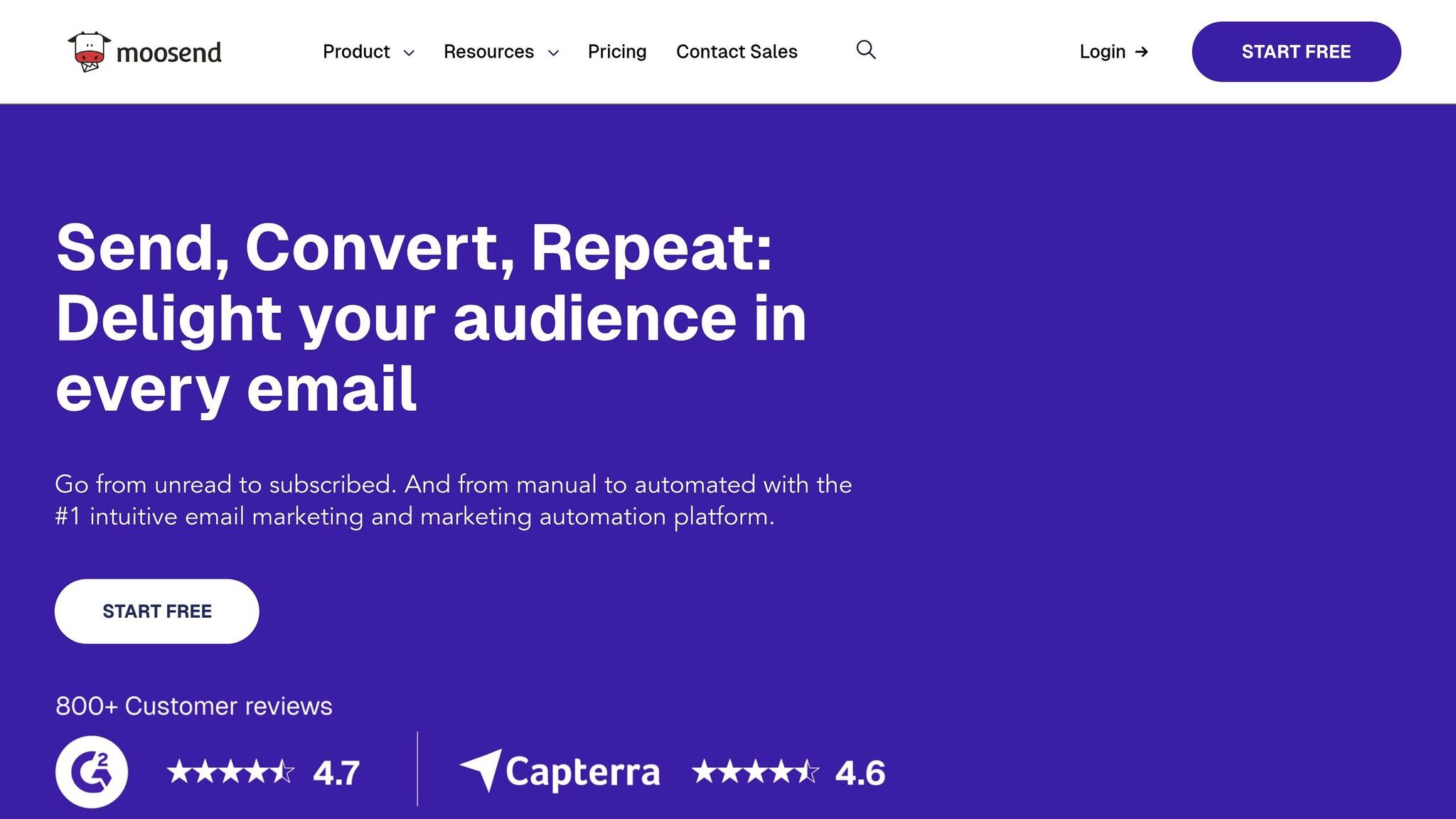
For businesses with fluctuating email needs, Moosend also offers pay-as-you-go credits, starting at $350 for 350,000 email sends, with no expiration date on the credits. The platform is highly rated, with scores of 4.7/5 on G2 and 4.6/5 on Capterra.
Integration with Email Platforms
Moosend operates through its own web interface and supports two-way contact synchronization with Google Contacts and MS Exchange to minimize data errors and keep information current. It also offers a direct SMTP service for sending transactional emails, such as order confirmations and password reset messages, through your preferred email client.
For automation enthusiasts, Moosend integrates with Zapier, unlocking connections with over 1,000 apps to streamline workflows. Its integration with Google Analytics further enhances insights by tracking subscriber activity on your website. Additionally, Moosend supports native integrations with more than 80 platforms, including WordPress, WooCommerce, Salesforce, and Magento. These integrations complement the platform’s robust real-time tracking capabilities.
Specialized Features for Campaign Optimization
Moosend packs in several tools designed to optimize your email campaigns. It includes an AI Writer that helps generate email copy and subject lines, along with an "Audience Discovery" tool that creates smart segments based on customer behavior. Its visual workflow builder makes it easy to set up automation sequences like welcome emails or abandoned cart reminders.
A/B testing is also available, allowing you to test different subject lines or content variations before rolling out your campaign to your entire list. These tools enable marketers to fine-tune their strategies on the fly, aligning perfectly with the platform’s focus on real-time tracking.
"Moosend is a user friendly professional platform with a great support team. And the most incredible thing is that it's cost efficient."
Moosend serves over 100,000 customers worldwide, including well-known brands like Vogue and WWF. Users frequently highlight its fast setup process, intuitive drag-and-drop editor, and responsive live chat support, which often resolves queries within 5–10 minutes.
7. MailerLite
Real-time Tracking Capabilities
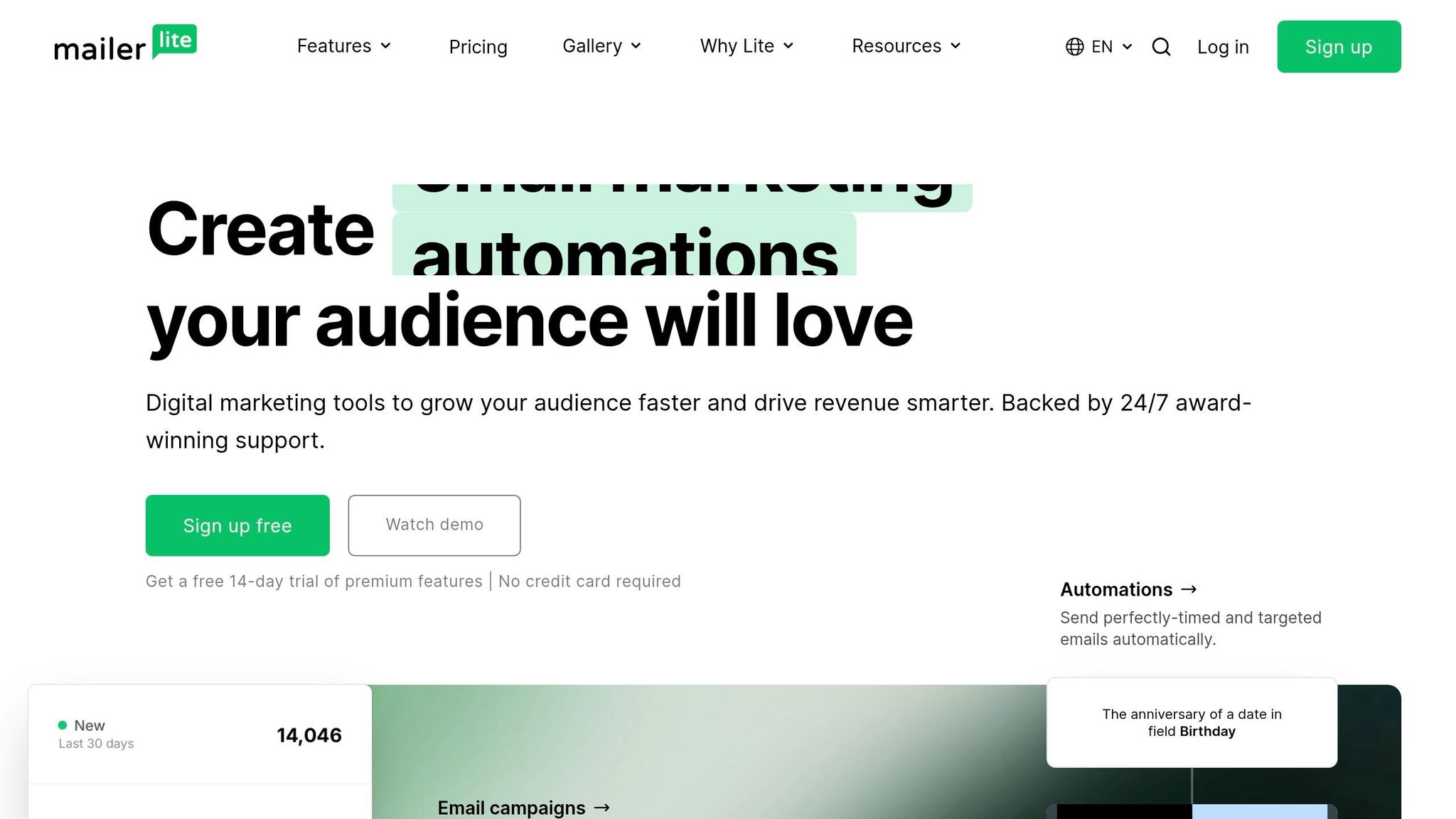
MailerLite provides a robust set of real-time tracking tools to help you stay on top of your email campaigns. Its analytics dashboard monitors key metrics like open rates, click rates, and visual click maps. According to the platform, the median open rate is 43.46%, while the median click rate is 2.09%. One of its standout features is the contextual automation tool: as you edit automation workflows, real-time data for each step is displayed in a sidebar, letting you make adjustments without leaving the editor. For e-commerce users, MailerLite tracks orders, revenue, and individual purchase behaviors in real time, alongside deliverability reports for hard and soft bounces.
Another highlight is its AI-powered MCP server, which integrates campaign data with tools like ChatGPT or Claude. This feature allows users to query their campaign metrics using natural language. For example, you could ask, "What are my ten most opened campaigns, and how do their subject lines compare?" to gain actionable insights. Duncan Elder, Content Writer at MailerLite, describes this feature as:
"The highlight is the MCP server, which turns your email marketing data into actionable insights that you can use to optimize your campaigns".
These advanced capabilities are complemented by pricing plans that cater to a range of budgets.
Pricing Structure and Affordability
MailerLite offers a free plan for small businesses, which includes up to 500 subscribers and 12,000 monthly emails. The Growing Business plan starts at $9 per month with annual billing (or $10 monthly) and includes unlimited email sends, support for three users, and 24/7 email support. For those looking for more features, the Advanced plan starts at $18 per month when billed annually (or $20 monthly), adding perks like 24/7 live chat support, click maps, and an AI writing assistant. Non-profits can take advantage of a 30% discount on paid plans.
The platform is highly rated, with scores of 4.5/5 on G2, 4.7/5 on Capterra, and 4.6/5 on Trustpilot. Charmaine Lee, Chief Digital Marketing Officer at Sky Digital Agency, shared:
"MailerLite's email marketing increased our email marketing campaign open rates by at least 50%, and our click through rates by 800%".
One thing to note: deleted or unsubscribed users may still count toward your monthly subscriber limit for up to 30 days after their last campaign.
Integration with Email Platforms
MailerLite integrates smoothly with email platforms like Gmail and Outlook, primarily through Zapier, making data transfers hassle-free. Additionally, its "Top email clients" report identifies the most popular applications among your subscribers. It even tracks the "reading environment", so you can see whether emails are being viewed on desktop, mobile, or webmail.
Specialized Features for Campaign Optimization
Beyond real-time tracking, MailerLite supports A/B testing across all plans, letting you test up to five variations of subject lines, content, or forms. For more advanced needs, the Growing Business and Advanced plans include multivariate testing, allowing up to eight variations per campaign by tweaking elements like subject lines, content, sender, or send time. Visual click maps highlight which links or buttons are underperforming, giving you the opportunity to reposition key calls-to-action. Meanwhile, the automation editor’s sidebar pinpoints where engagement drops off, enabling quick adjustments to keep your campaigns on track.
I Tried 26 Email Marketing Tools - These Are The Best
Tool Comparison Table
Finding the right email tracking tool means considering your budget, team size, and unique needs. Below is a comparison of seven tools, outlining their pricing, free plan options, key tracking features, and ideal use cases.
| Tool | Starting Price | Free Plan/Trial | Key Tracking Features | Recommended Use Case |
|---|---|---|---|---|
| GMass | Depends on selected plan | 7-day trial | Real-time open and click tracking, Gmail integration, automated follow-ups | Ideal for Gmail users running cold outreach campaigns |
| Right Inbox | Depends on selected plan | Trial version available | Email tracking, scheduling, recurring emails, Gmail and Outlook integration | Great for individual professionals managing productivity |
| Mixmax | Depends on selected plan | Trial version available | Real-time notifications, engagement tracking, calendar scheduling, Salesforce sync | Designed for sales teams using Gmail with CRM tools |
| Snov.io | Depends on selected plan | Trial version available | Email verification, drip campaigns, open and click tracking, multi-channel outreach | Best suited for B2B lead generation and prospecting |
| HubSpot Sales Hub | $20/mo | Free (2,000 emails/mo) | Time spent viewing email (read/skim/glance), top engaged contacts, CRM source reports | Perfect for marketers with dedicated sales teams |
| Moosend | Depends on selected plan | Trial version available | Real-time analytics dashboard, automation tracking, A/B testing, e-commerce integration | Great for small to mid-sized businesses focused on automation |
| MailerLite | $10/mo | Free (500 subs) / 14-day trial | AI MCP server for insights, click maps, e-commerce sales tracking, comparative reporting | Ideal for actionable insights and e-commerce |
This table highlights the range of features and pricing structures, helping you align a tool with your specific goals. For instance, HubSpot categorizes email interactions into "Read" (8+ seconds), "Skimmed" (2–8 seconds), and "Glanced" (under 2 seconds). Meanwhile, MailerLite’s AI-powered MCP server integrates email data with tools like ChatGPT or Claude, enabling natural language queries for metrics. These advanced features are designed to provide insights that can help fine-tune your campaigns more effectively.
Another critical consideration is the shift in tracking methods. As privacy features increasingly block pixel tracking - potentially missing about 50% of mobile opens - API-based tracking is becoming a more reliable option. In this context, click-through rates (CTR) are emerging as a stronger metric than open rates for measuring engagement.
If you're looking for even broader analytics options, the Marketing Analytics Tools Directory is a great resource. It offers comparisons of tools for real-time analytics, campaign performance tracking, A/B testing, and reporting dashboards across different marketing channels. Use these insights to choose a tool that supports real-time adjustments and maximizes your campaign's impact.
Conclusion
Finding the right email tracking tool means matching its features to your specific needs. If you're working with a limited budget, starting with free plans is a smart move. For example, HubSpot Sales Hub allows up to 2,000 emails per month at no cost, while MailerLite offers a free plan for up to 500 subscribers and paid options starting at $10/month.
When choosing, focus on what matters most to your goals. For sales teams, prioritizing response time tracking can make a huge difference. Studies show that responding to leads within an hour can increase conversions by seven times, and teams using email tracking tools have reduced their average response time by 42.5% in just two weeks. If cold outreach is part of your strategy, opt for tools with email warm-up features to safeguard your domain's reputation.
With privacy regulations evolving, it's also essential to lean on API-based tracking and click-through metrics to keep campaigns accurate. For instance, Apple Mail Privacy Protection now blocks tracking for nearly 50% of mobile opens. Tools that offer custom tracking subdomains can also help sidestep deliverability problems tied to shared infrastructure.
Take advantage of free trials to test tracking accuracy and ensure the tool integrates smoothly with your email platform. Some tools are Gmail-exclusive, while others support both Gmail and Outlook, so checking compatibility is key.
If your needs extend beyond email tracking, the Marketing Analytics Tools Directory provides comparisons of tools for real-time analytics, A/B testing, and reporting dashboards, helping you create a well-rounded marketing toolkit.
FAQs
Are email open rates still reliable in 2026?
Email open rates in 2026 continue to be a dependable metric - especially when paired with other performance indicators and real-time tracking tools. These tools offer richer insights into how campaigns are performing, enabling marketers to make smarter, data-based decisions. To truly gauge the success of your email campaigns, combine open rates with metrics like click-through rates, conversions, and overall engagement. This approach ensures a more complete understanding of your campaign's impact.
How can I track replies (not just opens and clicks)?
To keep tabs on replies in your email campaigns, it's a good idea to use tools that come with built-in reply tracking features. For example, SenderWiz includes a Reply Tracker, making it easy to monitor responses. Similarly, Mailmeteor not only tracks replies but also provides notifications for opens and clicks.
These tools make it simple to stay aware of recipient engagement, allowing you to respond quickly and refine your email strategy effectively.
Which tool works best with Outlook and Office 365?
Yesware's Outlook Add-On is a top-notch tool for integrating seamlessly with Outlook and Office 365. It allows users to track emails, review performance metrics, and interact with buyers - all without leaving Outlook. This makes it an effective solution for keeping tabs on email campaigns as they happen.